Pros & Cons of Fast Food Kiosks (2026 Guide)
A balanced 2026 guide to fast food kiosks: the real benefits (labor, kitchen capacity, higher order value, fewer errors) and drawbacks (cost, downtime, less human contact) for QSRs and customers.

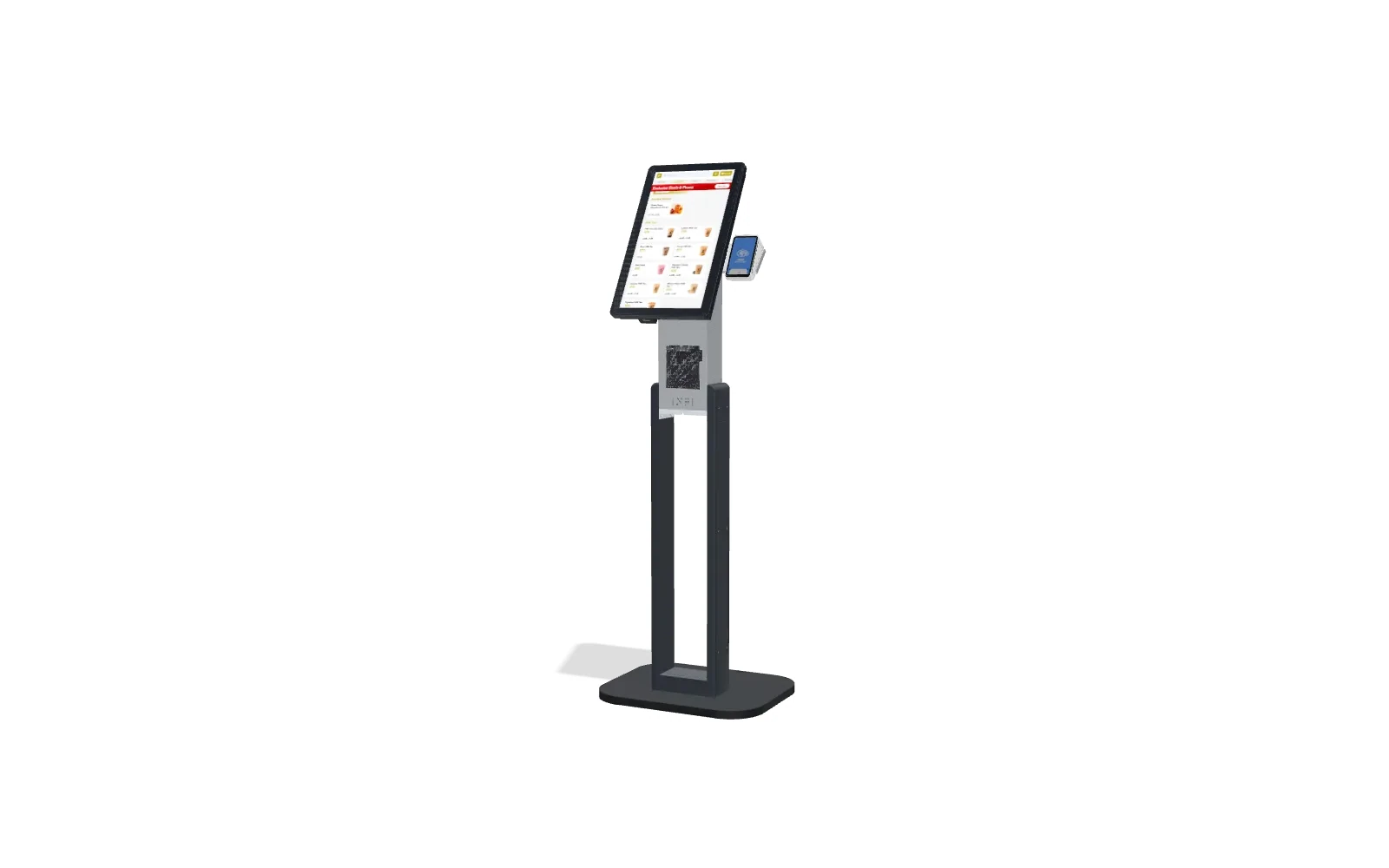
For a quick-service restaurant (QSR), the front counter is where money is made or lost — it's where upselling happens and where customer satisfaction rises or falls. To streamline ordering and lift the average check, more and more QSRs are turning to self-ordering kiosks in place of (or alongside) employee-taken orders.
Self-ordering is now mainstream in fast food. McDonald's has led the way, rolling kiosks out to tens of thousands of locations worldwide, and the self-service kiosk market has grown into the tens of billions of dollars in revenue. The trend isn't slowing — most chains will run some form of kiosk ordering as they chase better speed, accuracy and profit. Like any tool, kiosks bring real benefits and a few genuine drawbacks. Here's the honest breakdown for 2026.
Pros of fast food kiosks
Kiosks benefit both the restaurant and the customers who use them. Let's take each.
For restaurants
Reduced labor costs. When customers enter their own order, you don't need a dedicated order-taker — and a kiosk never calls in sick, so there's no shift to scramble to fill. That staffing flexibility is one of the biggest perks.
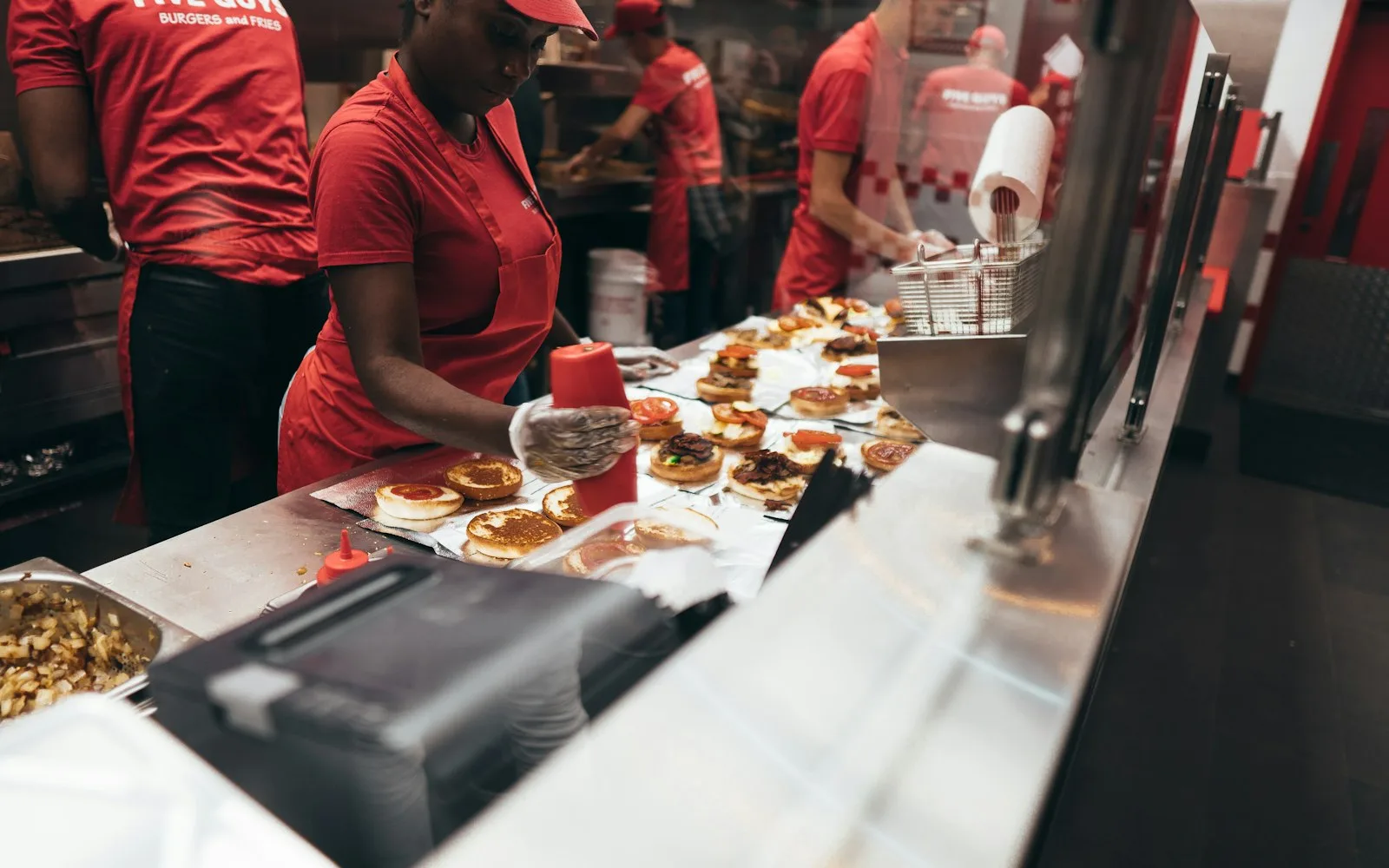
Increased kitchen capacity. Kiosks bring in more orders per hour than an employee can. With kiosks taking orders, the staff who'd normally be at the register are free to make food — more hands in the kitchen means shorter waits, which modern customers expect.
Increased revenue. Kiosks lift the bottom line by upselling on every order, without a tired cashier forgetting to ask — and customers add more when they don't feel judged for upgrading the fries or adding a shake. Industry reports have found kiosks drive around a 20% larger average order; in our own data, INFI kiosks run 15–30% higher than the counter. More orders per hour adds to that.
Easier marketing and promotions. You never have to remind a kiosk to push the current special — it can ask every customer, every time. Add a new promotion to the POS platform connected to the kiosk and every order sees it.
Fewer ticket errors. Human error is a risk whenever staff key in orders. When customers input their own, accuracy improves — and since most customers expect to customize, the kiosk makes it easy to get it exactly right (extra pickles, no mayo) straight to the kitchen.
For customers
More time to explore the menu. Standing in front of an employee, customers can feel rushed. At a kiosk they browse at their own pace and get exactly what they want — especially helpful at a place they haven't visited before.
Consistent promotional offers. The customer always sees the current specials, deals and discounts, which may help them save or order better — no relying on a cashier to remember.
Faster orders. People go to QSRs and fast-casual spots because they're in a hurry; kiosks cut wait times and, with more staff on the line, get food out faster. (More in our 7 reasons kiosks matter to QSRs.)
Cons of a fast food kiosk
The technology isn't perfect. Before investing, smart owners should understand the drawbacks for both the restaurant and the customer.
For restaurants
Kiosks are expensive. They lift revenue and per-ticket sales, but the upfront cost is real — a kiosk with all its components (machine, card reader, software, hardware) often runs a few thousand dollars, and most restaurants need more than one, so it adds up. The order-value lift pays it back over time, but budget for it.
Potential downtime. All technology can break, and the automation benefit is lost if a kiosk goes down — which leaves staff and customers scrambling, especially if fewer workers are trained to take orders once you switch to self-service. Look for an offline mode and keep the team practiced on the register.
Change of workflow. Moving from staff-taken orders to customers ordering themselves takes time to teach and adjust to for an established team.
For customers
Inventory mismanagement. One perk of kiosks is managing inventory in the system — but only if the team keeps it current. Customers get frustrated if the kiosk offers an item that's actually sold out.
Potential downtime. Downtime inconveniences customers too. If the self-checkout is down from a software, internet or power issue — and the shop only uses kiosks — a guest may not be able to order at all.
Lack of human interaction. A kiosk can't tell a customer which item is the staff favorite or whether the produce is fresh today. Some guests simply prefer ordering from a person, which is why most shops keep both options.
Fast food kiosks are the wave of the future — be ready
On balance, kiosks streamline operations and help QSRs increase productivity and sales. After the initial investment they deliver a smoother workflow, lower overhead and reduced labor costs — and customers are embracing the speed and improved order accuracy. The drawbacks are manageable with the right setup: an offline mode, trained staff, clean inventory, and keeping a human option for those who want it. Whether you're starting a new restaurant or modernizing an existing one, a kiosk that runs on top of the POS you already have is one of the highest-ROI upgrades available. Contact INFI for a free demo of our self-service kiosks.
See what INFI can do for your restaurant
Add self-ordering, online ordering, loyalty, and marketing on top of the POS you already run.
Book a Demo